LaTeX One-Click | Local LaTeX compile and preview in VS Code
VS Code extension for local LaTeX
LaTeX One-Click
Skip MacTeX, TeX Live, and MiKTeX setup. Install the add-on, compile your PDF, then click the preview to jump back to the source line you need to edit.
The setup-free LaTeX loop
Install the extension instead of a full TeX distribution.
LaTeX One-Click provisions Tectonic, resolves the right root file, compiles into a clean output directory, opens a PDF panel, and uses SyncTeX to move from PDF clicks back to the source lines you want to edit.
Real VS Code capture
No TeX install. Compile a PDF. Click back into code.
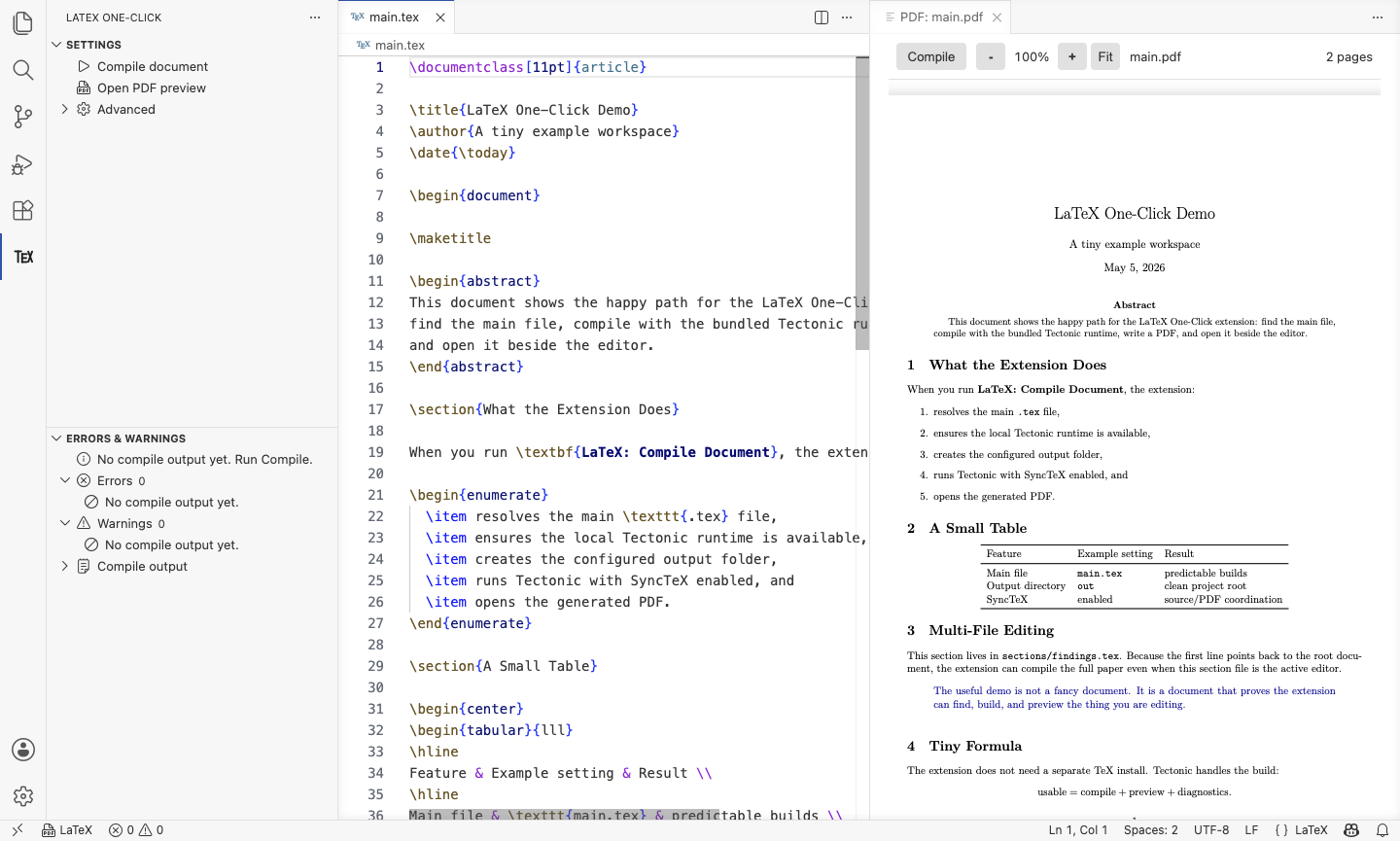
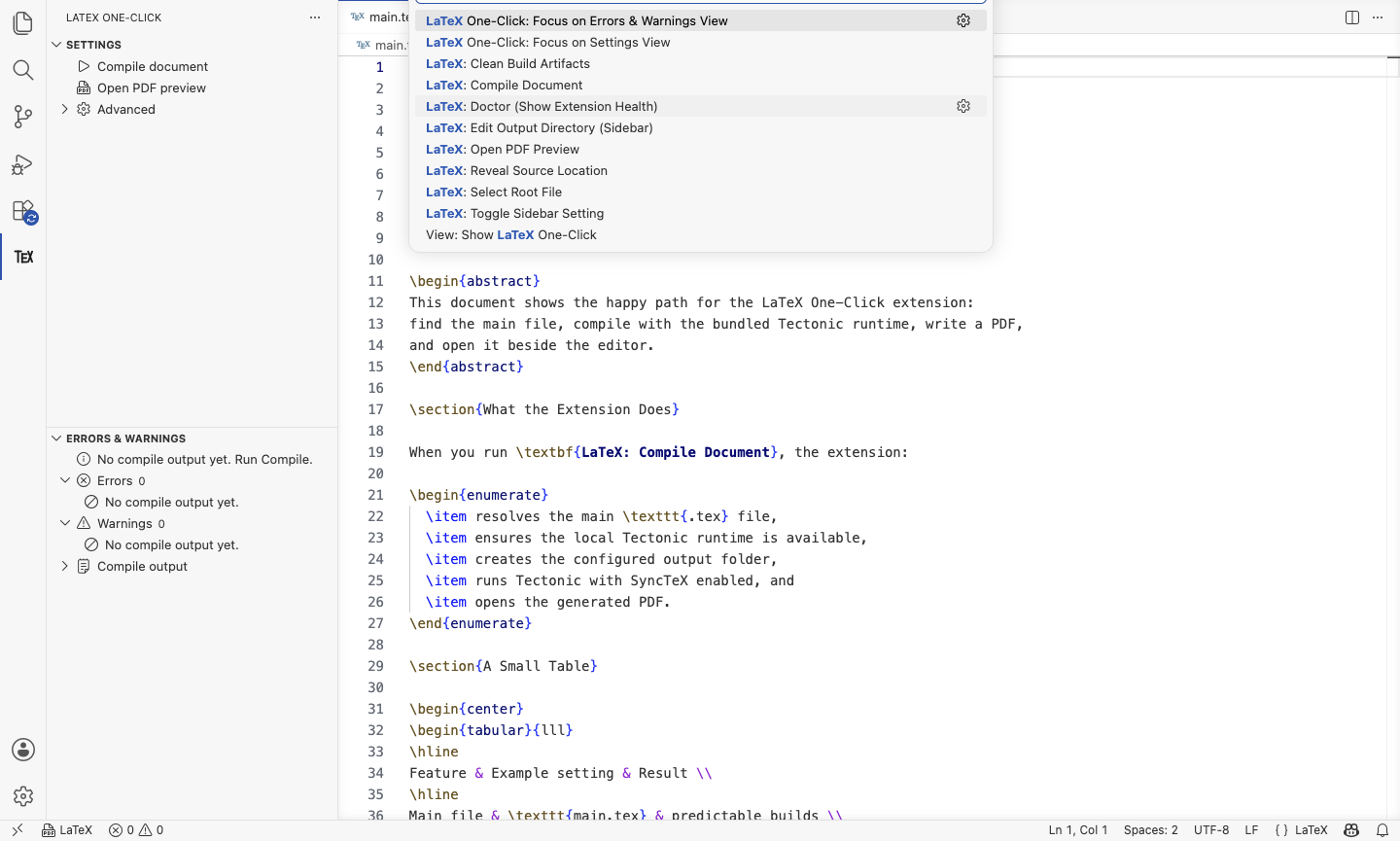
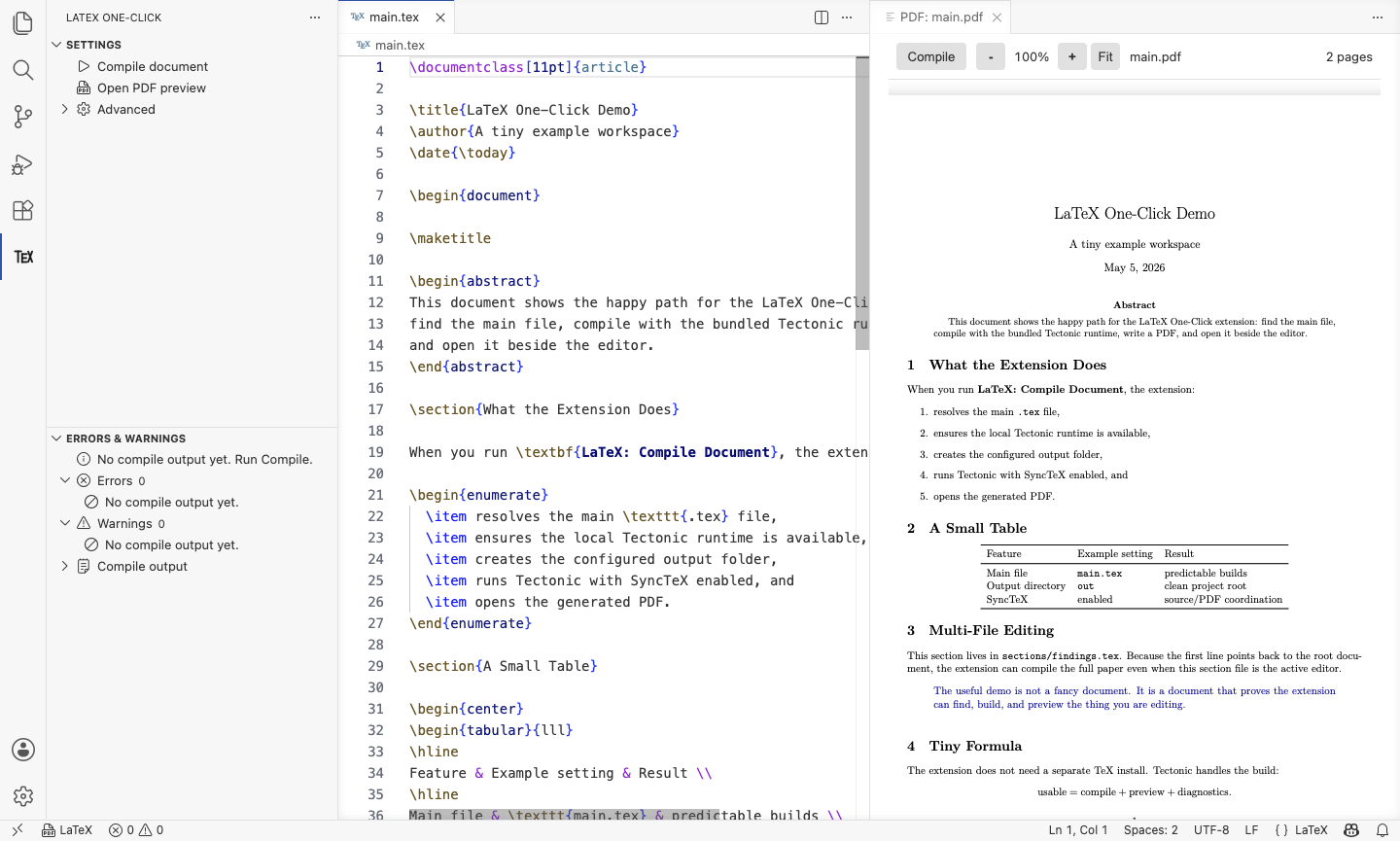
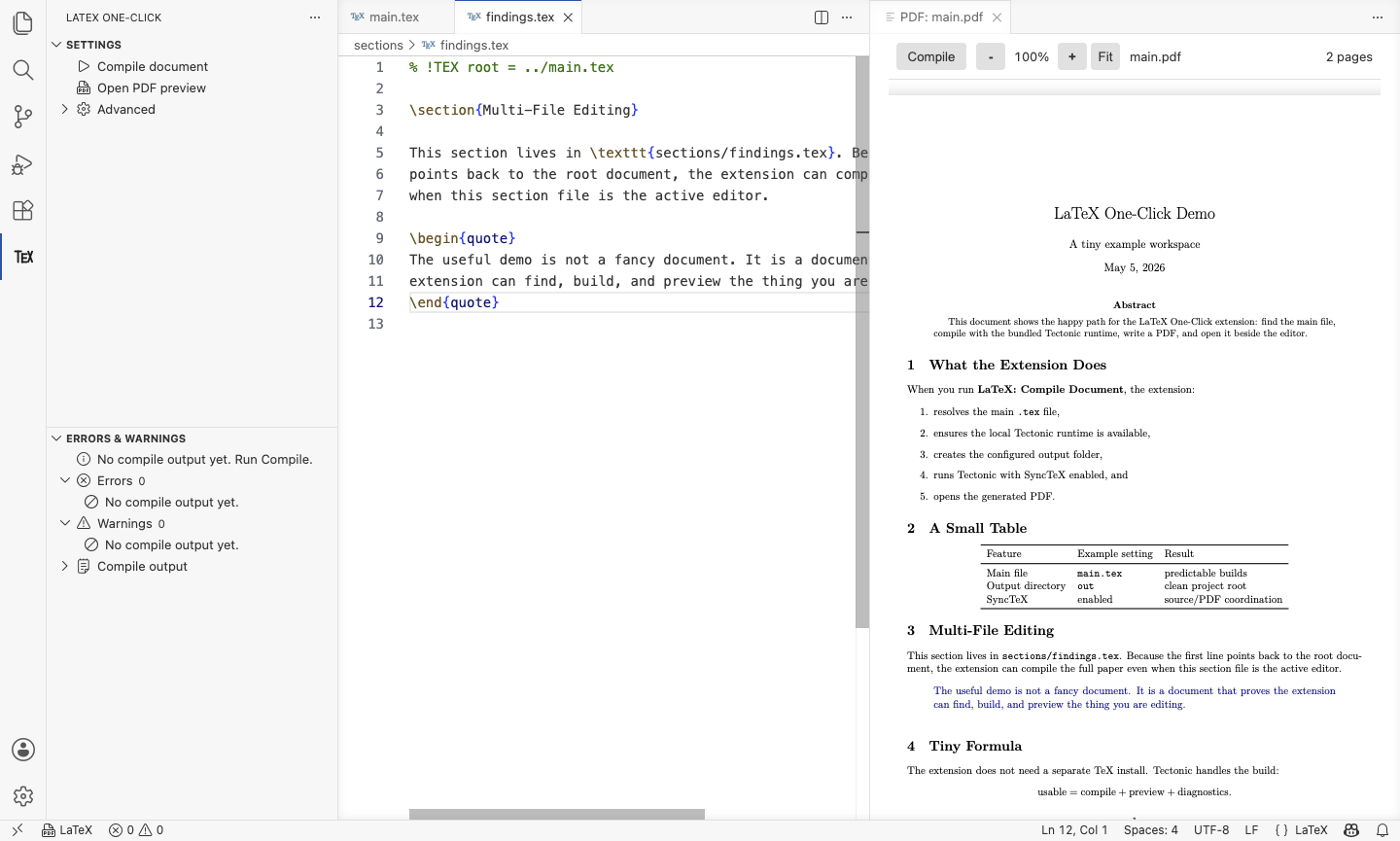
Install the add-on
Skip MacTeX, TeX Live, and MiKTeX. The extension manages the Tectonic runtime for you.
Compile locally
Run LaTeX: Compile Document. The extension resolves the root file and builds the PDF from VS Code.
Click PDF text
The integrated preview opens beside your source. Click rendered output to trace it back to LaTeX.
Edit exact code
SyncTeX reverse search reveals the matching source line, so you can revise the code that produced the PDF text.
Bundled runtime
Tectonic is pinned, checksummed, and provisioned by the extension instead of relying on a separate TeX install.
Project-aware roots
Supports settings, main.tex, nested roots, active editors, and % !TEX root directives.
Problems panel output
Compiler logs are parsed into diagnostics so errors and warnings land where VS Code users expect them.
Demo workspace included
Open examples/demo-paper to try a multi-file document with interactive preview navigation.
Developer quick start
Run the extension locally.
Use the included VS Code launch config, then open the demo paper and run the compile command.
npm ci
npm run compile
# VS Code: Run Extension
# Open examples/demo-paper
# Run "LaTeX: Compile Document"